Attention: contractors who are tired of losing money between the quote and the final payment
A letter to every contractor who runs jobs on spreadsheets
Dear Contractor,
If you run jobs for a living, I want you to picture a normal Friday night.
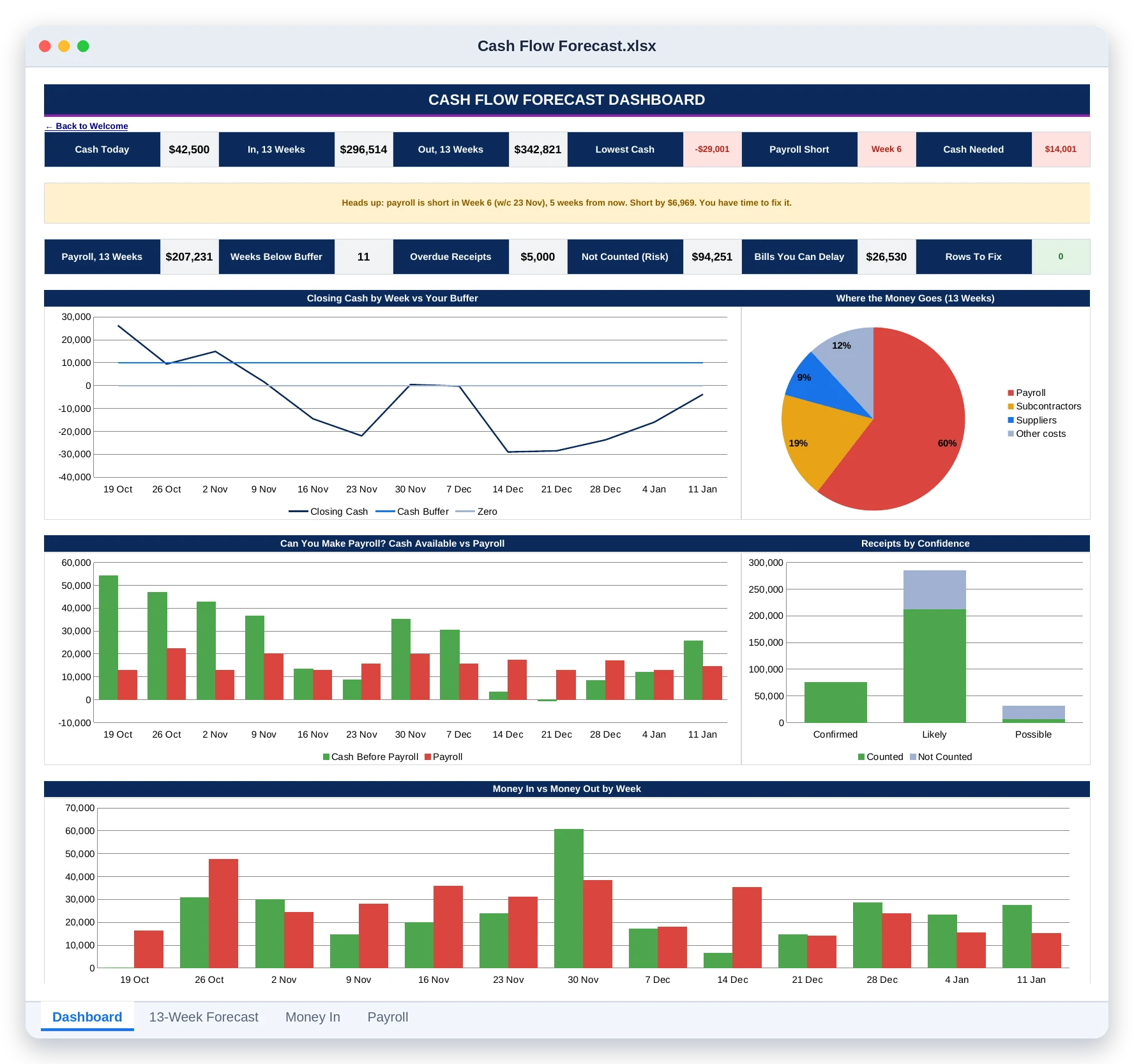
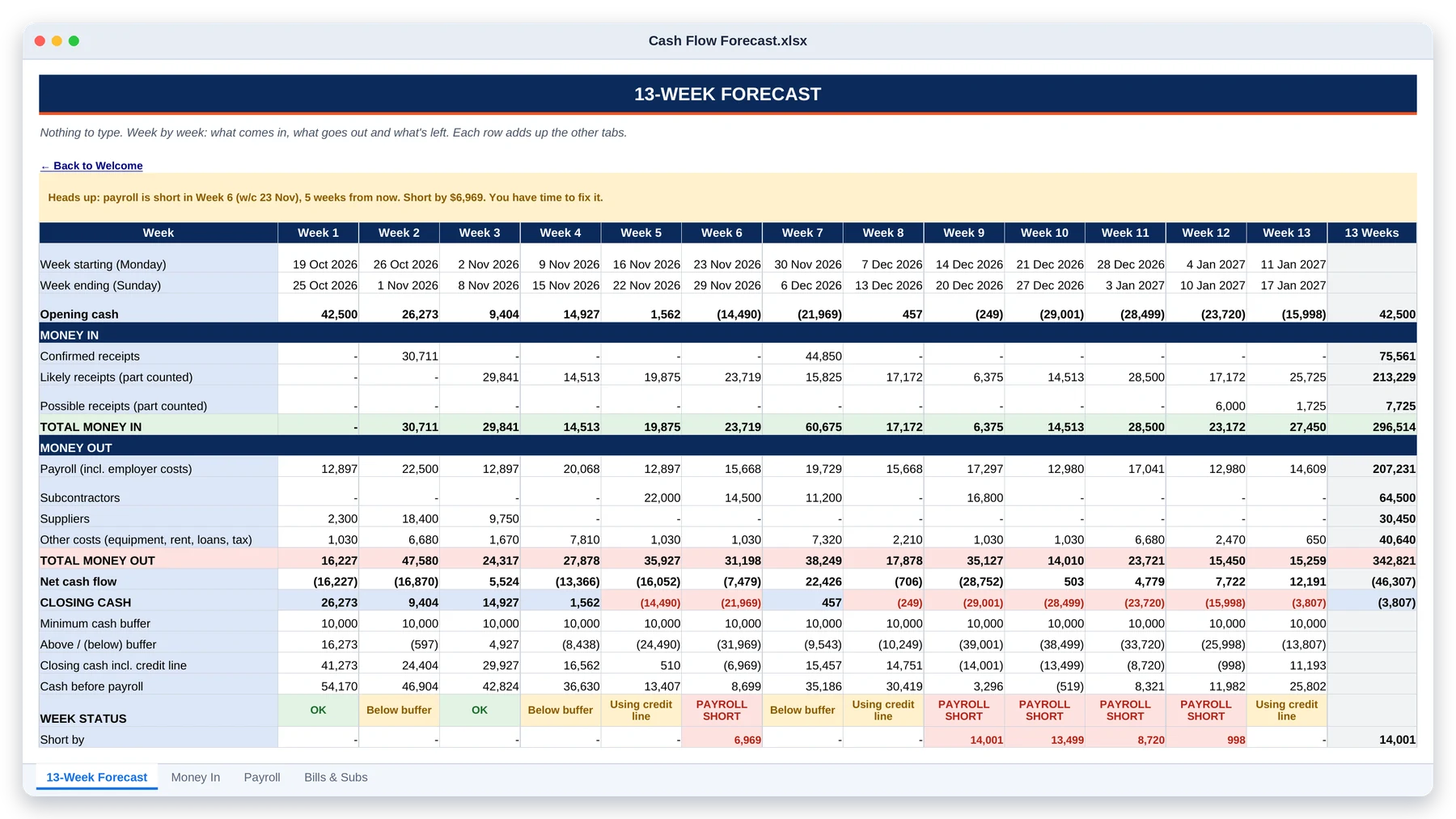
The quote you sent on Tuesday lives in an email. The budget lives in your head. The punch list is spread across three text threads. Two invoices you meant to send are still sitting in a folder. And payroll is due next Friday, but you’re not sure the client’s check will clear first.
None of this feels like a problem while the job is going well.
It becomes a problem the day the money runs out before the work does.
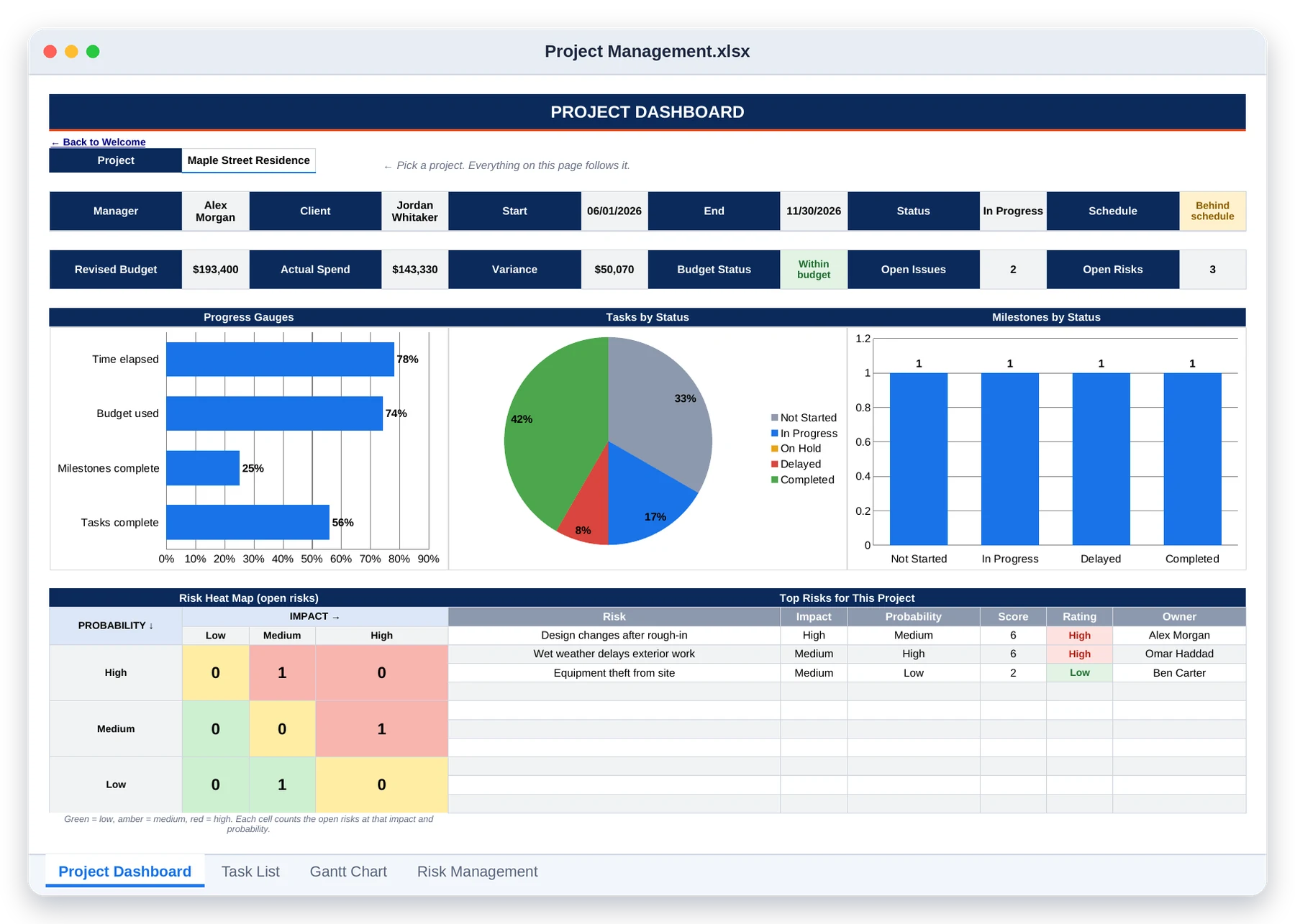
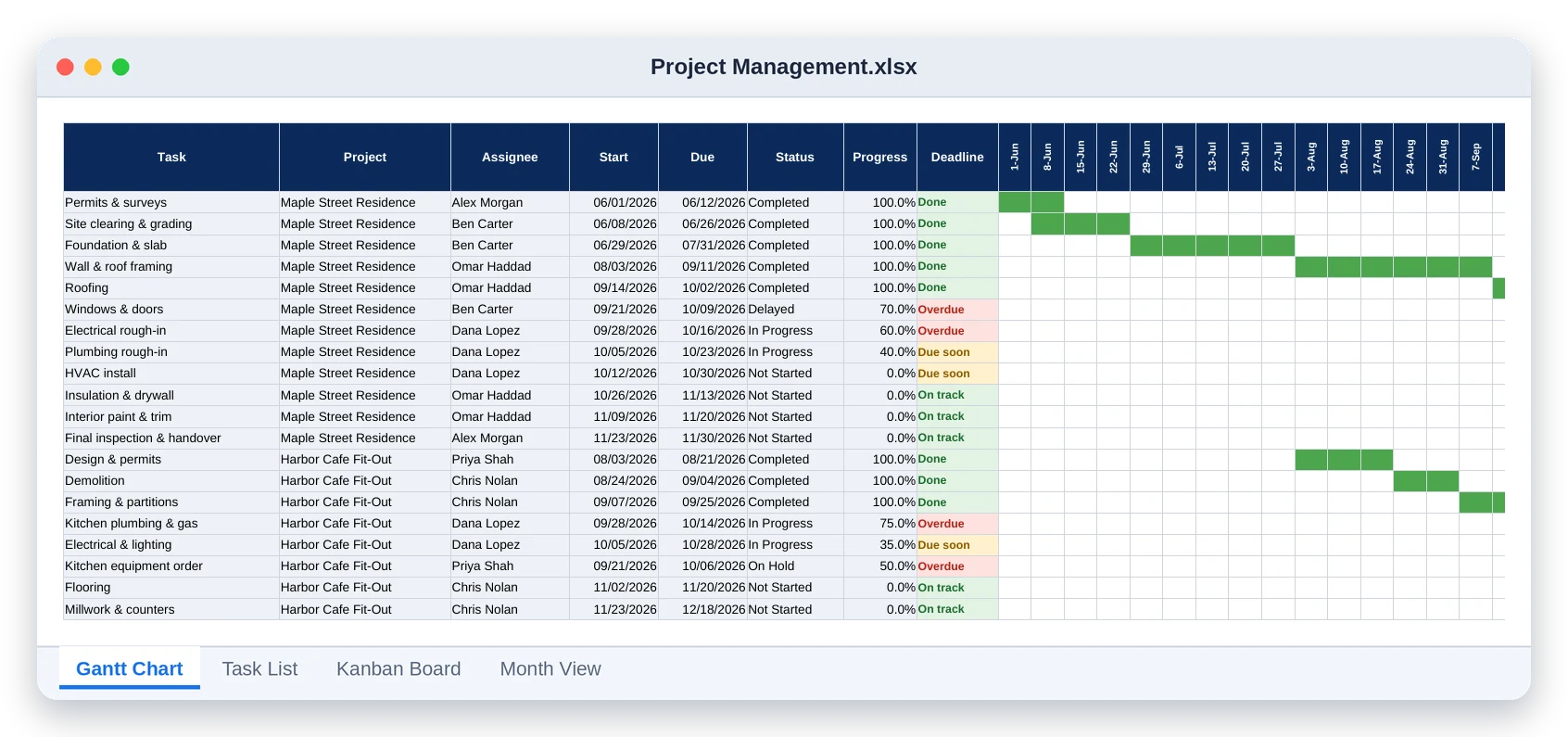
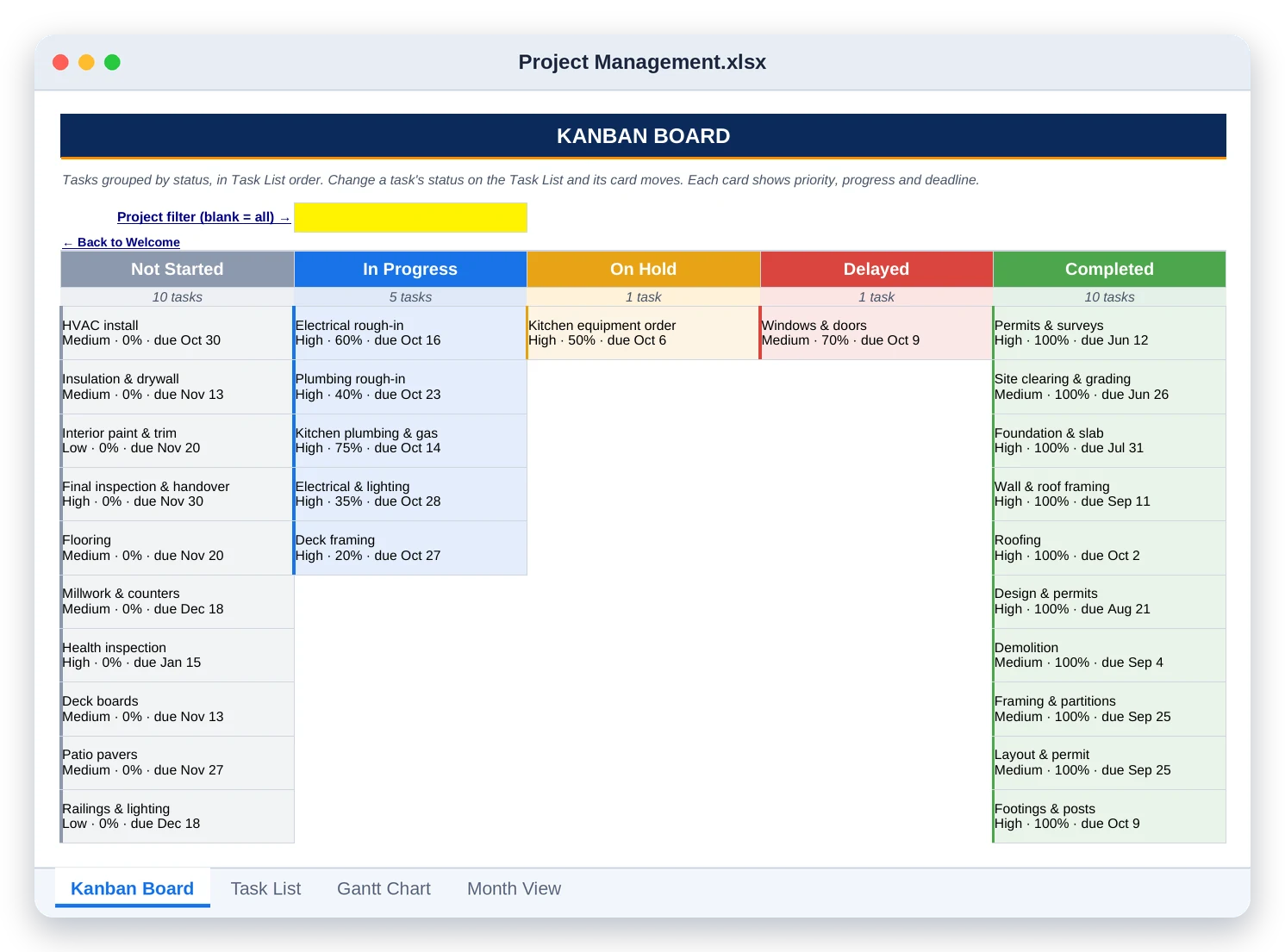
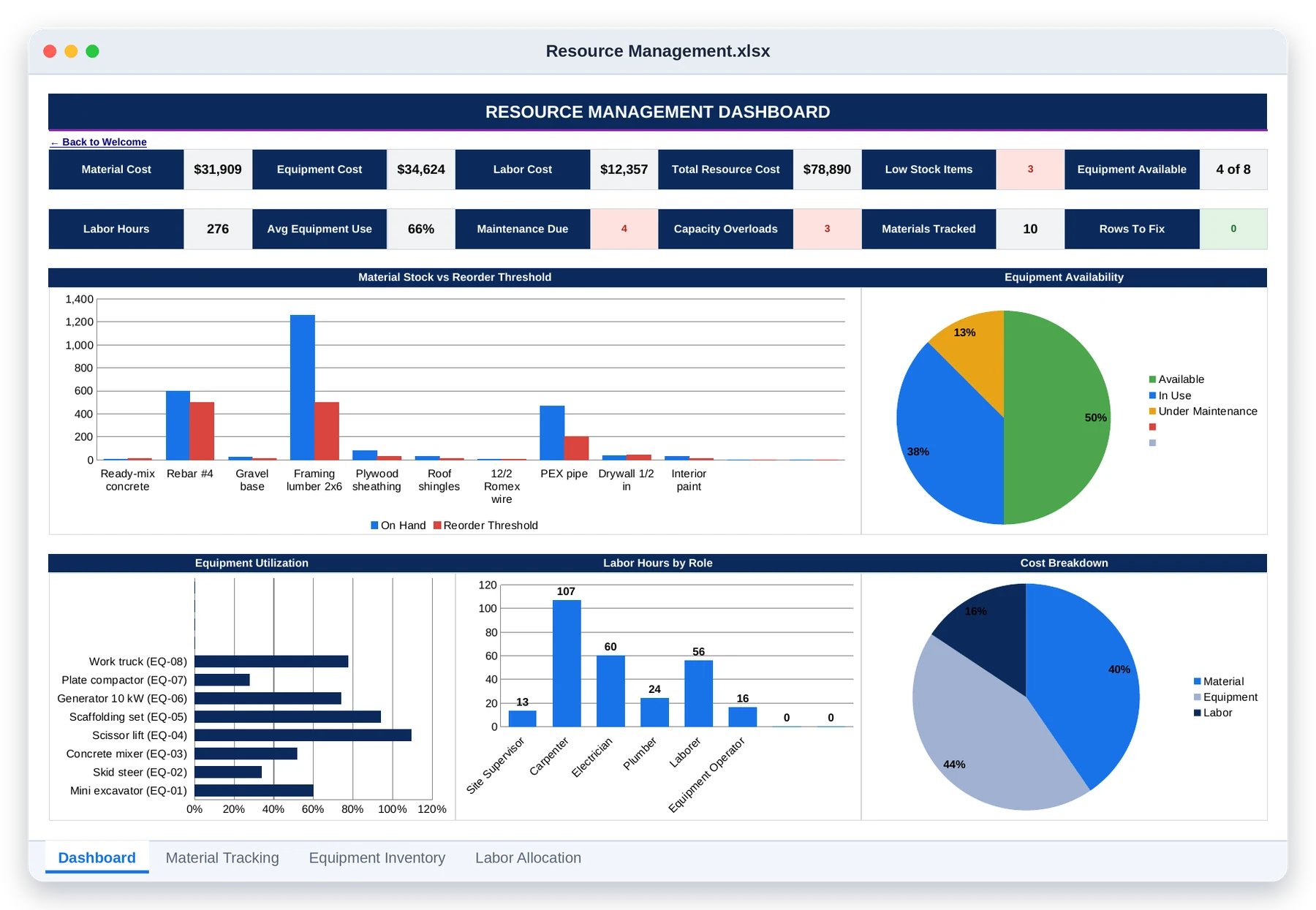
Every one of those has a fix. You don’t need to work harder. You need one place where every number on the job is written down once, and the math is done for you.
That is exactly what I built for you.
Why the usual fixes don't work
FIX #1
FIX #2
FIX #3
Introducing
WIN
RUN
GET PAID
PROFIT
01
12 tabs
10 tabs
7 tabs
02
17 tabs
6 tabs
5 tabs
6 tabs
03
04
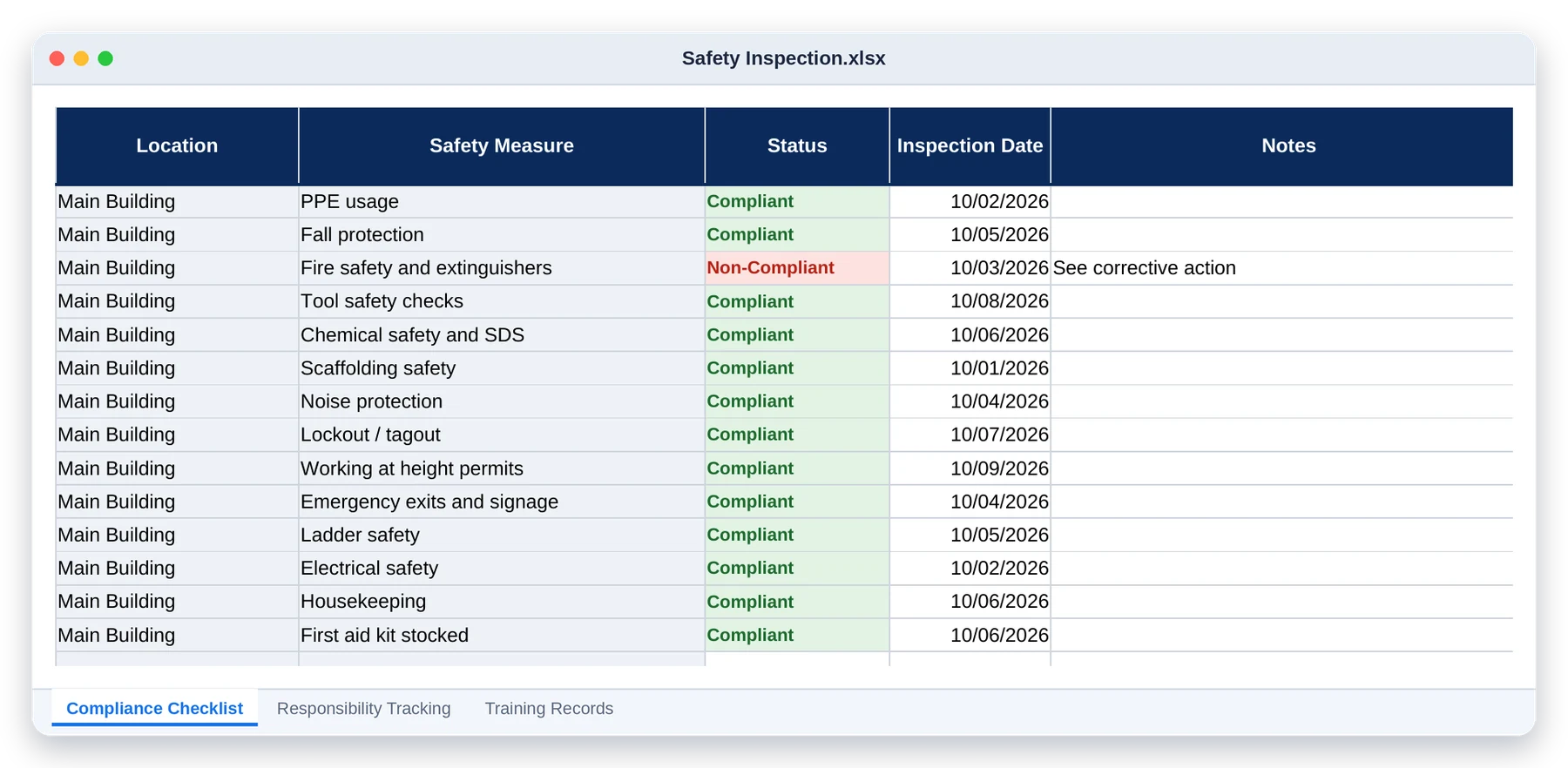
8 tabs
Built properly, then checked
13
108
160,000+
23
153
0
Here's everything you get today
$197
30
day
guarantee
No. You type in the white cells; the shaded cells calculate themselves. Each tool opens on a Welcome page that walks you through it step by step.
Yes. Upload a file to Google Drive, open it with Google Sheets, and save it as a Google Sheet. All thirteen tools work there.
Twelve of the tools work in Excel 2010 or later. Quotation & Estimation needs Excel 2019 or Microsoft 365. Excel for Mac works too.
No. You pay once, download the files and keep them. There are no monthly or per-user fees.
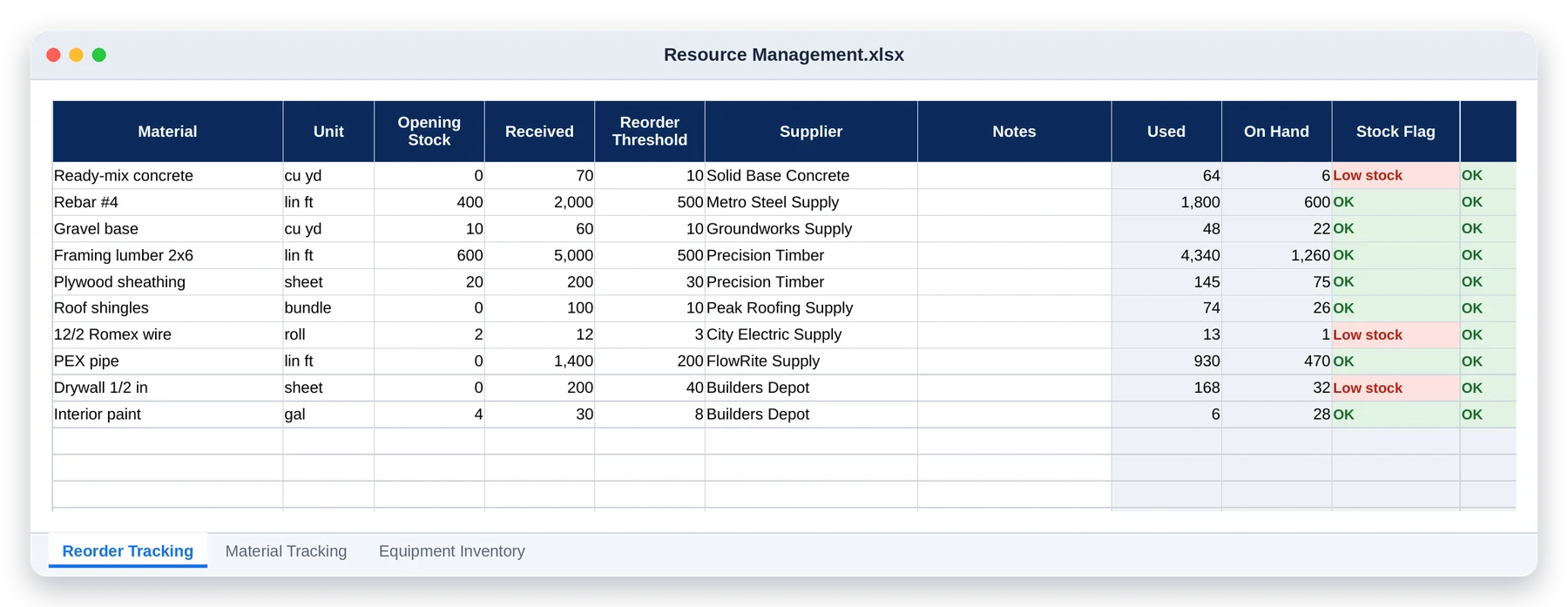
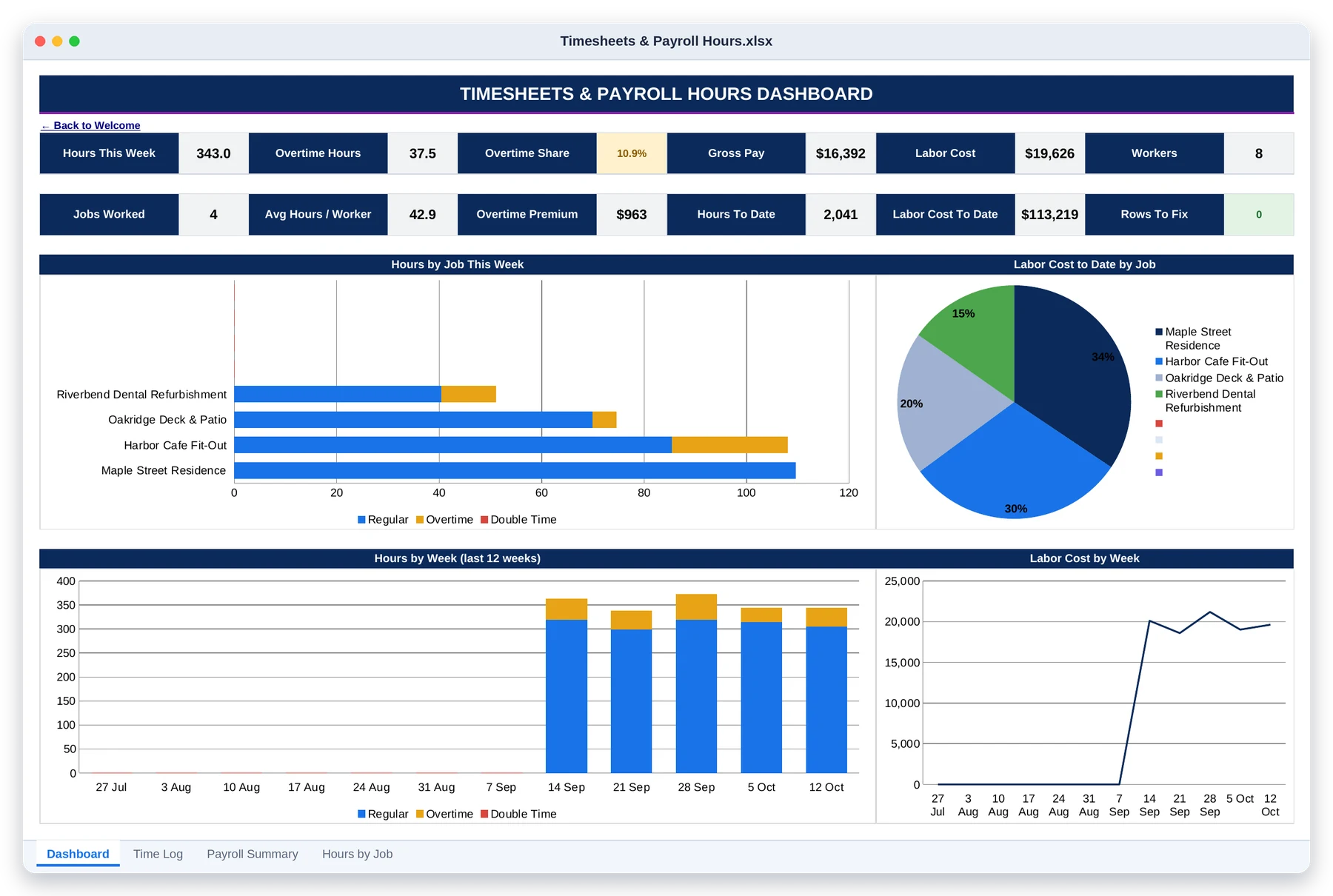
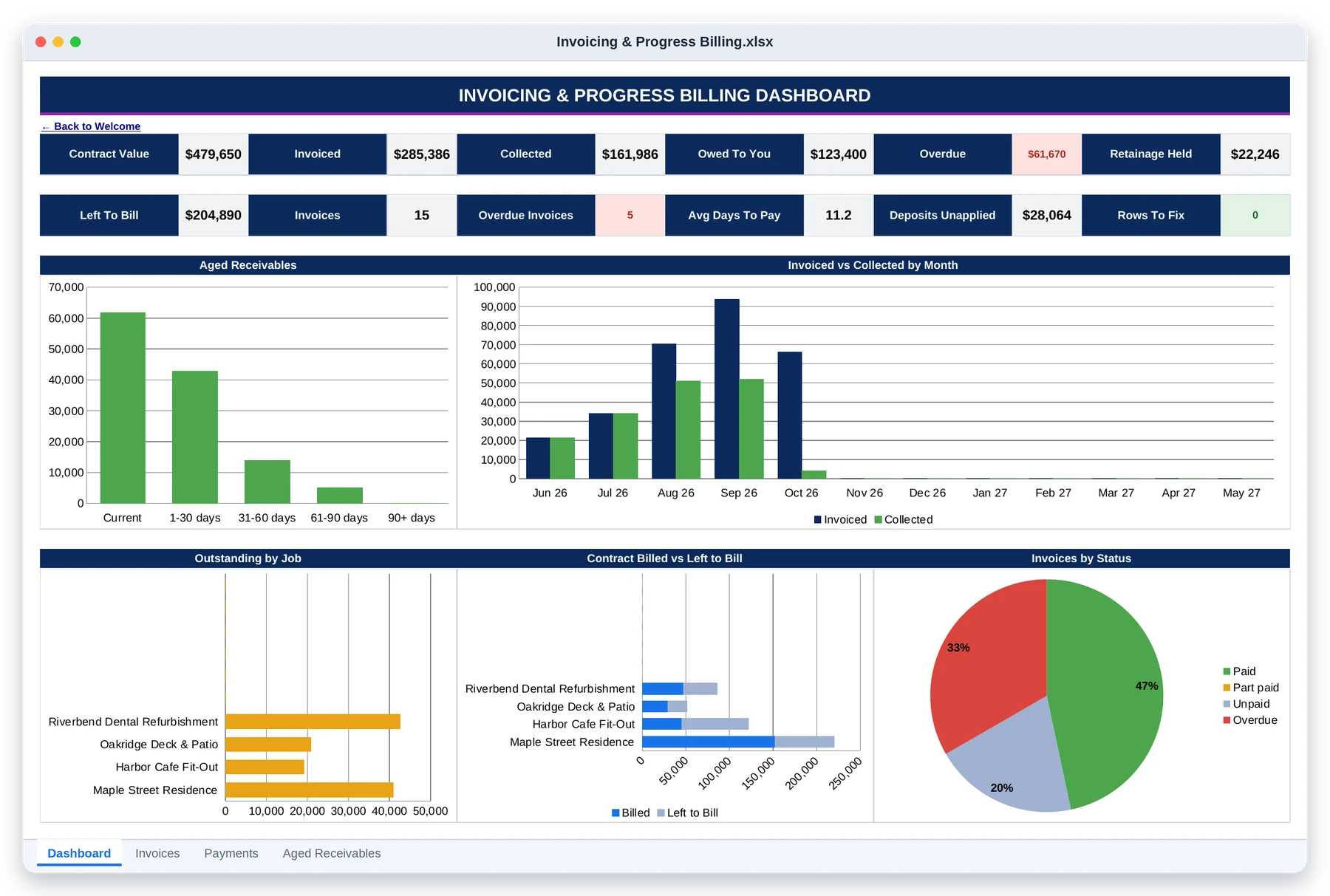
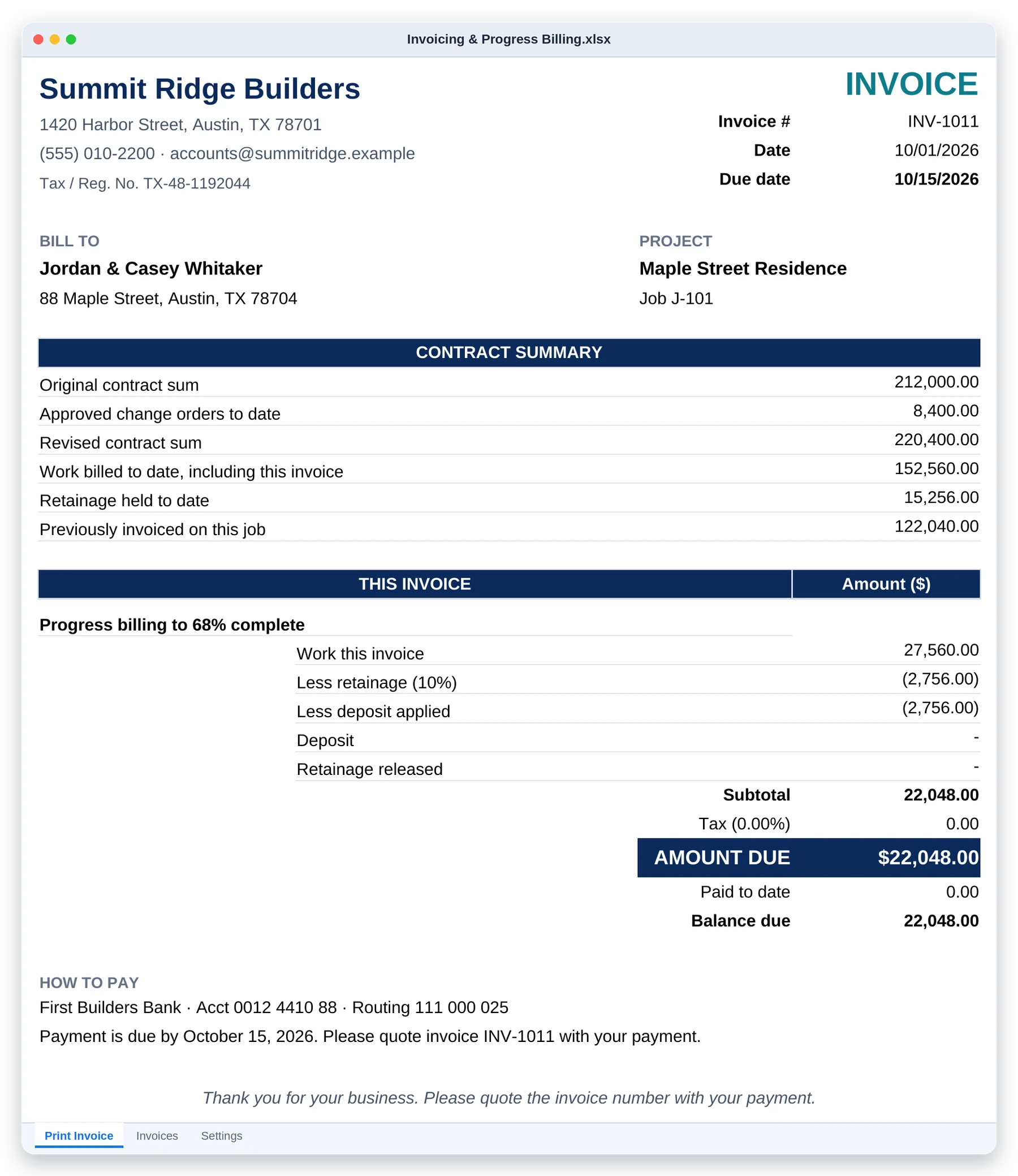
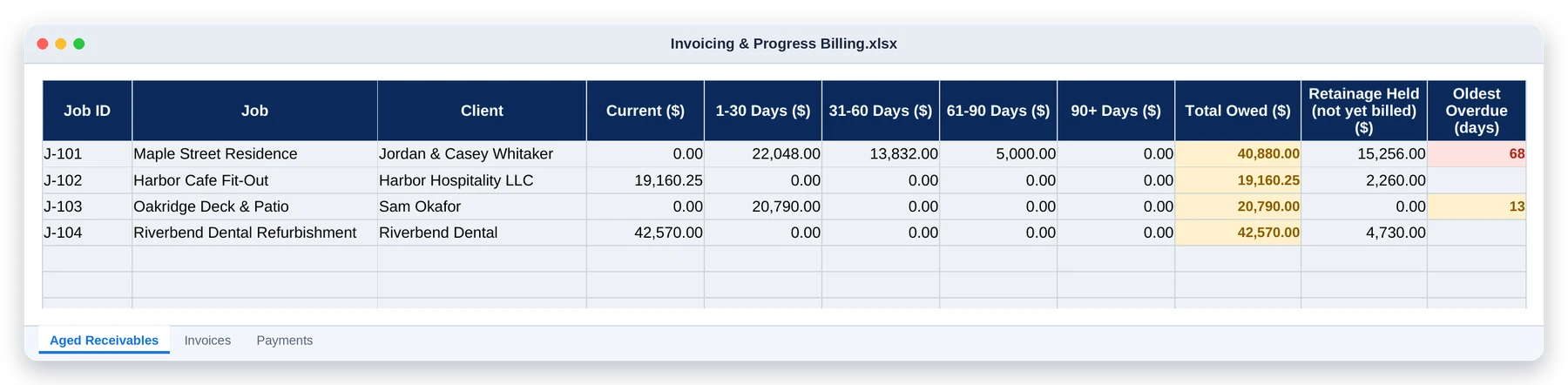
Each tool is its own file, so you only open what you need. Timesheets has export tabs laid out in the same column order as Budget and Resource Management, so labor cost pastes straight in. Unpaid invoices and billed-to-date figures copy across from Invoicing into the Cash Flow Forecast and Job Profitability.
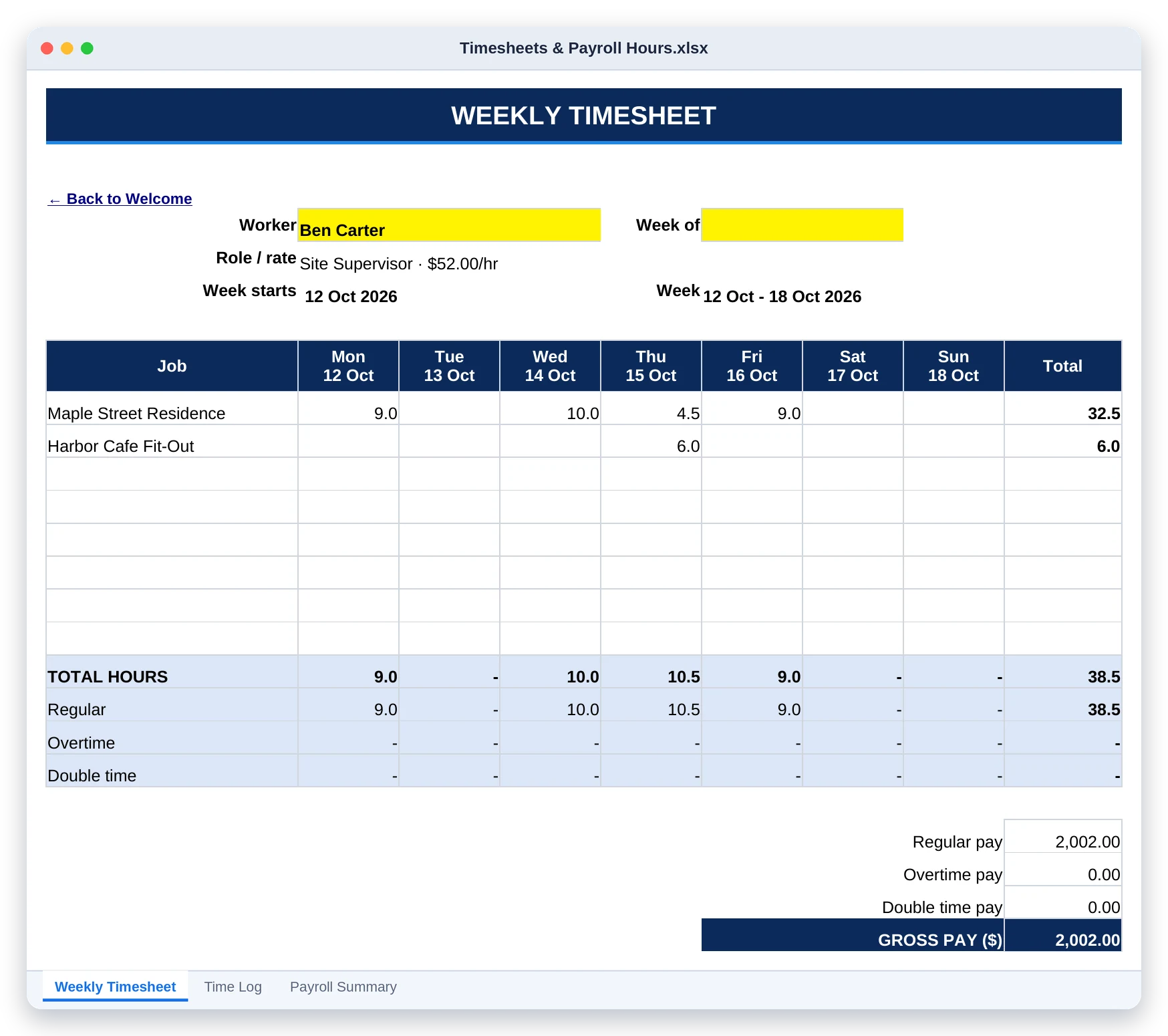
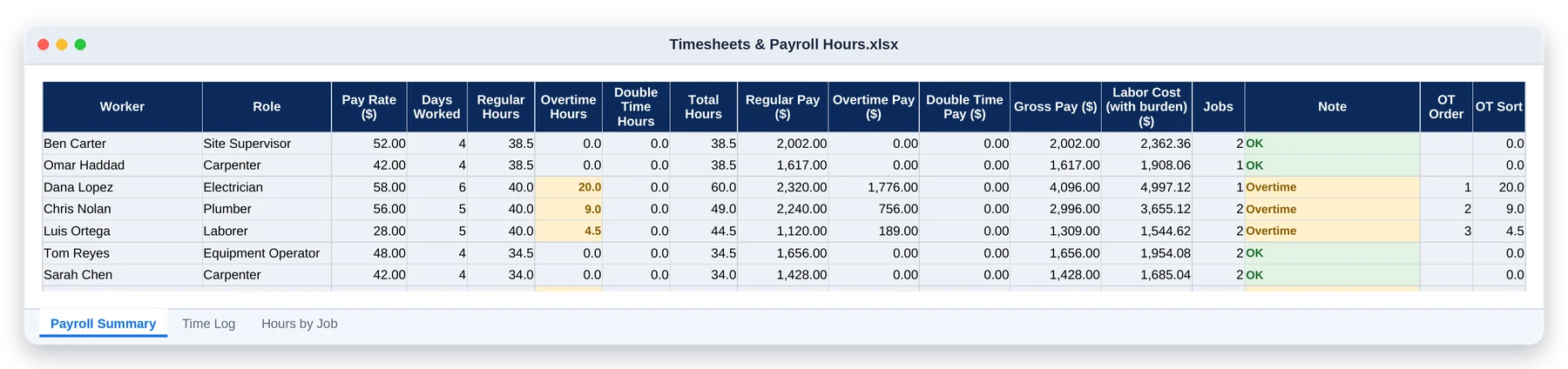
You set the rules: weekly limit, daily limit, double time and the rates. That covers the US federal 40-hour rule and daily-overtime states like California. Check the rules that apply to you with your payroll provider.
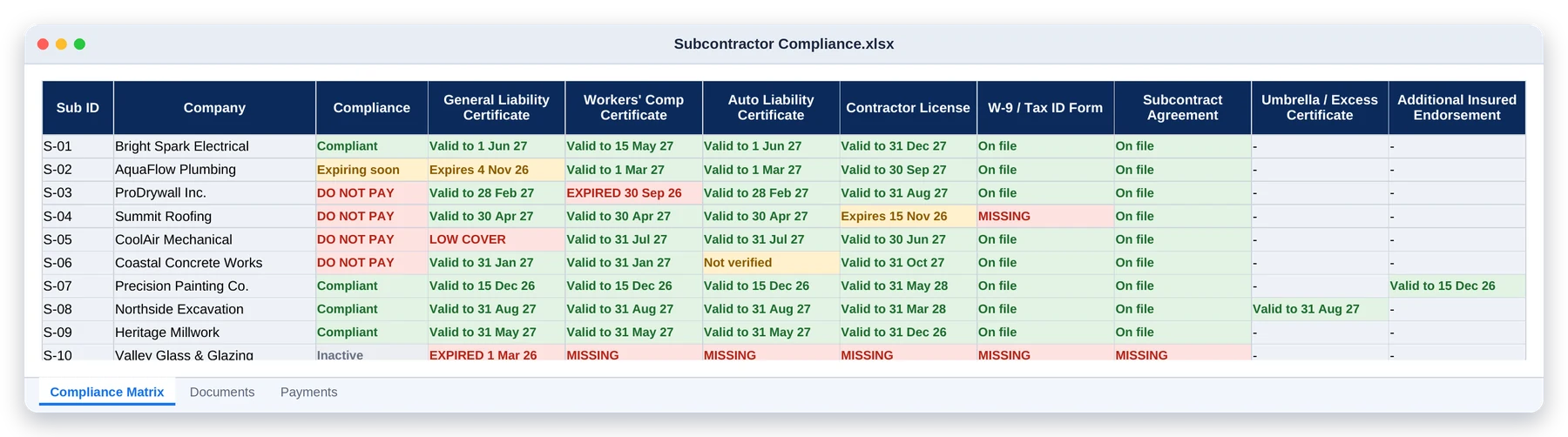
No. It keeps the record and flags what’s missing or expired against the requirements you set. Requirements and lien waiver rules vary by state and contract, so set them to match yours.
Yes. Pick it once on the Settings tab from 153 currencies, and every money column, dashboard and printed quote or invoice switches to it.
Select the white cells under the headers and press Delete. The formulas stay in place, ready for your own jobs.
Yes. They are A4 PDFs set up for printing; print as many copies as your jobs need.
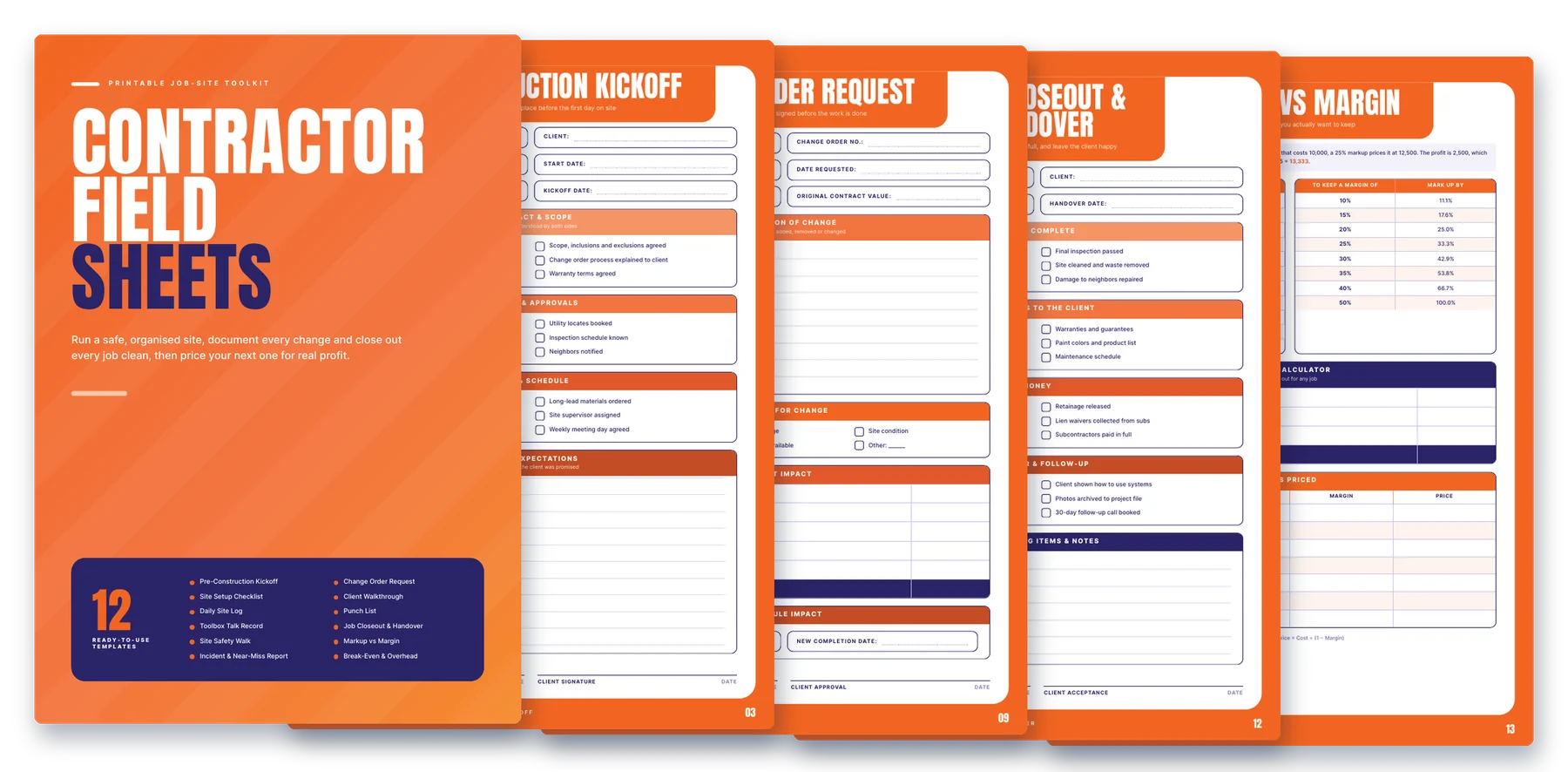
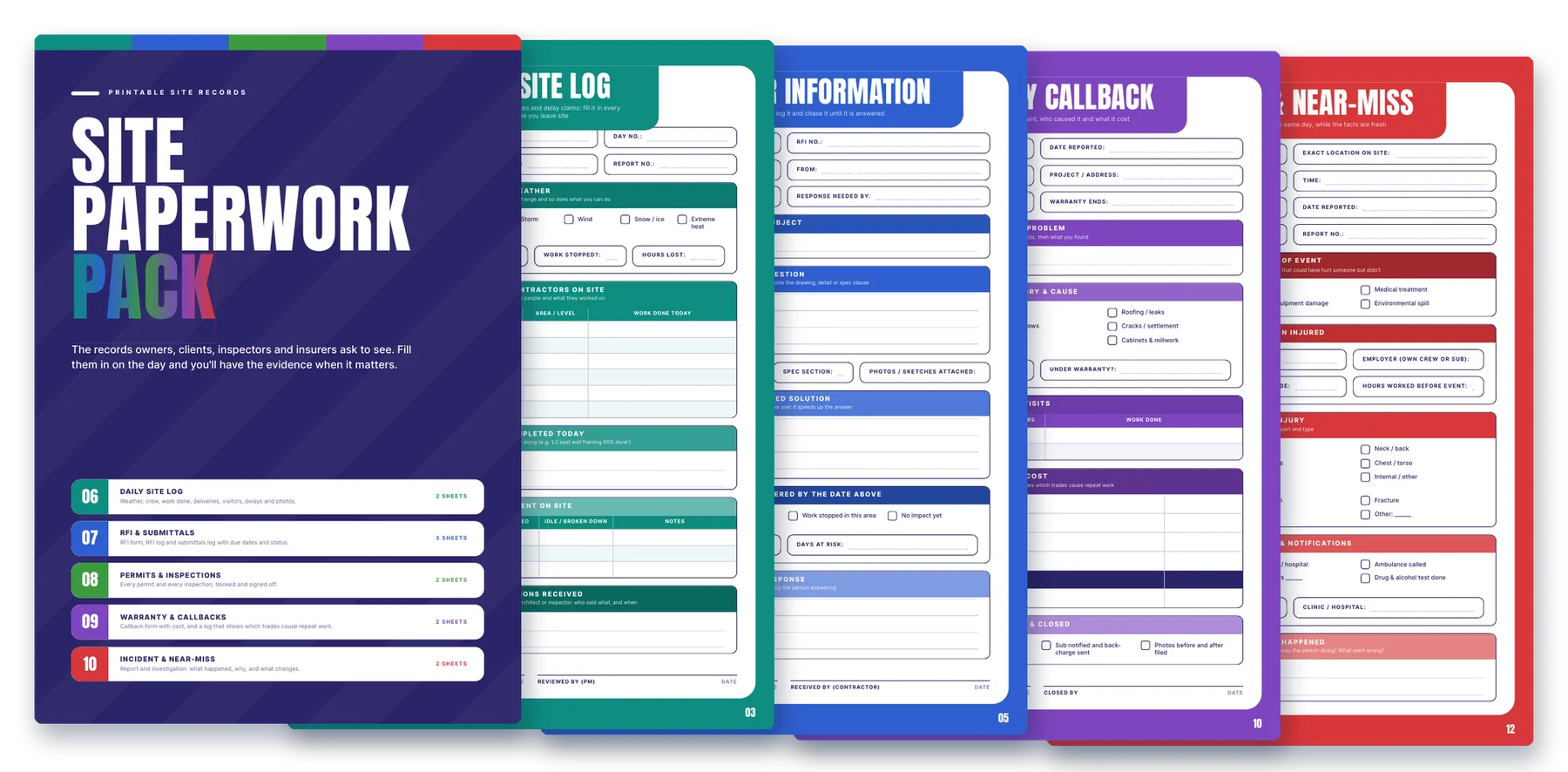
P.S. That’s 13 tools, 108 tabs and 23 printable sheets for one payment of $197, covered by a 30-day money-back guarantee.
P.P.S. One missed progress bill, one payroll week you can’t cover, or one payment to an uninsured sub costs more than this whole toolkit. Get it now and run your next job off real numbers.

Absolutely! We designed these specifically for entrepreneurs who want financial clarity without becoming accountants. The dashboards translate your raw numbers into visual insights and plain-English recommendations. If you can enter basic financial data, you’ll get tremendous value.
Not at all! We designed these specifically for users with basic Excel knowledge. Simply input your data in the clearly marked cells, and the pre-built formulas handle everything else. Each template includes a “Help” tab explaining every calculation.
Yes! Our templates are compatible with Excel 2010, 2016, 2019, 2021, and Microsoft 365 on both Windows and Mac. We also provide Google Sheets versions of every template for cloud-based users.
Absolutely. While most users use the templates as-is, we provide an “unlocked” version of each template that allows full formula customization. We even include documentation explaining each calculation for those who want to modify them.
Our templates undergo rigorous testing by financial professionals, but if you ever find an issue, our template guarantee means we’ll fix it within 24 hours and provide the updated version immediately.
Yes, future updates will be provided to you via the Email ID, once it ready.
When you join the toolkit, you get lifetime access – but isn’t that so intense, right – like who know where either of us will be later in our lifetime? Like what if I stop selling this product in 2-3 years, how is that lifetime?
Well, if we have a close the membership portal we put all the files into a downloadable folder and send them to you. What you pay for today, you’ll retain access to.
14-Days no questions asked, no “do-the-work”, we just ask that if you get value, you stick with us!
WhatsApp us